Switch Photo Hosts Without Starting Over.
Export a zip from the platform you use now, drop it into ShotLocker, and your folders come with it.
Every paid plan starts with a 14-day free trial.
Switching
Bring Your Whole Library Over in One Zip.
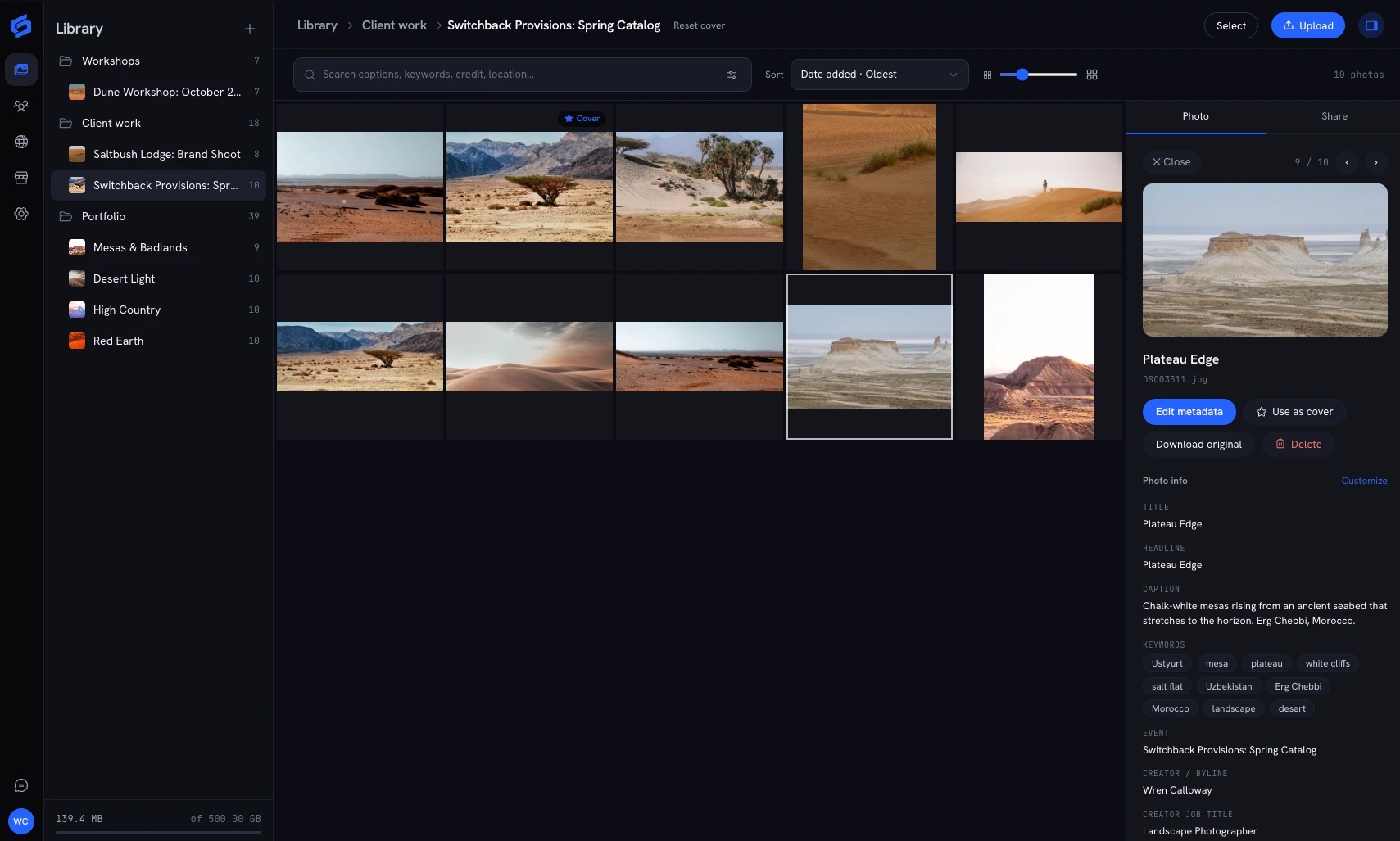
Export your photos from the platform you use now, drop the zip in ShotLocker, and your folders come with it. Every folder that holds photos becomes a gallery; folders that hold other folders stay folders.
- 1ExportDownload your photos from your current host as a zip.
- 2Drop the ZipChoose Import from zip, or drop the file anywhere in your library.
- 3Review and ImportCheck the folders and galleries it will create, then import.
What Comes With You
Your Library Arrives Organized.
- Your Folder Structure
- Folders that hold photos become galleries. Folders that hold other folders stay folders.
- Your Photos, Uploaded Fast
- The import runs on the same parallel, resumable upload as everything else.
- Your Metadata
- Captions, keywords, camera and date are read from each photo, so search works on day one.
- Your Originals
- Files are stored as you sent them, and you can download the originals any time.
Questions
How Do I Get My Photos Out of My Current Host?
Use whatever export or bulk download your current platform offers and save the result as a zip.
Do I Get to Check the Result Before It Imports?
Yes. ShotLocker shows the folders and galleries it will create, and nothing is added until you confirm.
Which Plans Include Zip Import?
Import from zip is on the paid plans, and every paid plan starts with a 14-day free trial.
Do I Have to Cancel My Old Host First?
No. Import your library, check it over, and leave the old account until you are ready.